
Your Favorite Entertainment, Made Simple
Enjoy your favorite shows, live sports, local news, movies, and more with Digital TV powered by NICP from Lone Rock Telephone.
Our streaming TV service brings your favorite entertainment together in one convenient place. Watch live television using a compatible Apple TV, Amazon Fire TV, or Roku device without the need for a traditional cable box.
Whether you're watching the big game, catching up on your favorite shows, or enjoying a movie night, Lone Rock Telephone makes it easy to stay entertained.
Stream Your Favorite Channels
Enjoy the convenience of watching live television through your favorite streaming device. With Digital TV from Lone Rock Telephone, you can access your TV subscription using a compatible streaming device connected to your television and internet service.
Compatible Streaming Devices
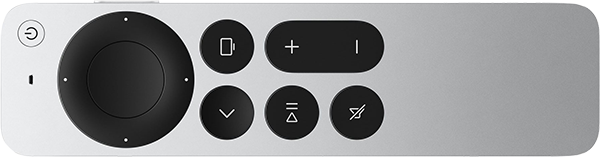
Apple TV
Watch your favorite channels using a compatible Apple TV device.
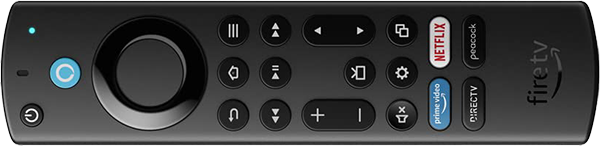
Amazon Fire TV
Enjoy live TV and your favorite programming through a compatible Amazon Fire TV device.
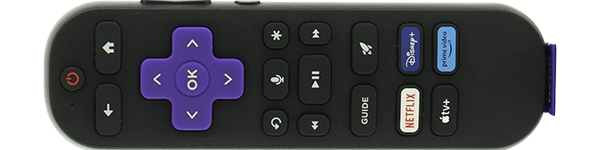
Roku
Access your Digital TV service using a compatible Roku streaming device.
Device compatibility may vary by model. Contact Lone Rock Telephone for supported devices and setup information
TV Packages for Every Household
Find the entertainment that fits your household with Digital TV packages from Lone Rock Telephone. Whether you enjoy local news, live sports, movies, or family entertainment, explore our available packages to find the channels that matter most to you.
Tier 1
Essential Entertainment $64/Mo
Enjoy the channels you need for everyday entertainment. Tier 1 is a great option for households looking for local programming, news, and their favorite TV shows.
Tier 2
Expanded Entertainment $130/Mo
Get more of the entertainment you love with Tier 2. Enjoy a wider selection of channels, including additional sports, movies, and family programming.
Tier 3
Premier Entertainment $140/Mo
Take your entertainment to the next level with Tier 3. Enjoy our most extensive channel selection, giving your household even more options for sports, movies, news, and entertainment.
More Ways To Enjoy Your TV
Digital TV offers convenient features designed to give you more flexibility and control over your entertainment.
Feature availability may vary by package and subscription.
Getting Started Is Easy
Getting started with Digital TV from Lone Rock Telephone is simple.
Step 1
Choose Your TV Package
Explore our available TV packages and select the channels that fit your household.
Step 2
Connect Your Streaming Device
Connect a compatible Apple TV, Amazon Fire TV, or Roku device to your television and internet connection.
Step 3
Download the
TV App
Install the designated Digital TV app on your compatible streaming device and follow the activation instructions provided by Lone Rock Telephone.
Step 4
Start Watching and Enjoy
Once your service is activated, you're ready to enjoy your favorite live TV channels and entertainment.
Digital TV Support & Resources
Need help getting started or using your Digital TV service? We're here to help.
Find helpful resources for installing the TV app, navigating your channel guide, using available features, and troubleshooting common issues.
Helpful Resources:
Frequently Asked Questions: